
Uncensored Image to Video Converter – Turn JPG, PNG and WebP Photos to MP4
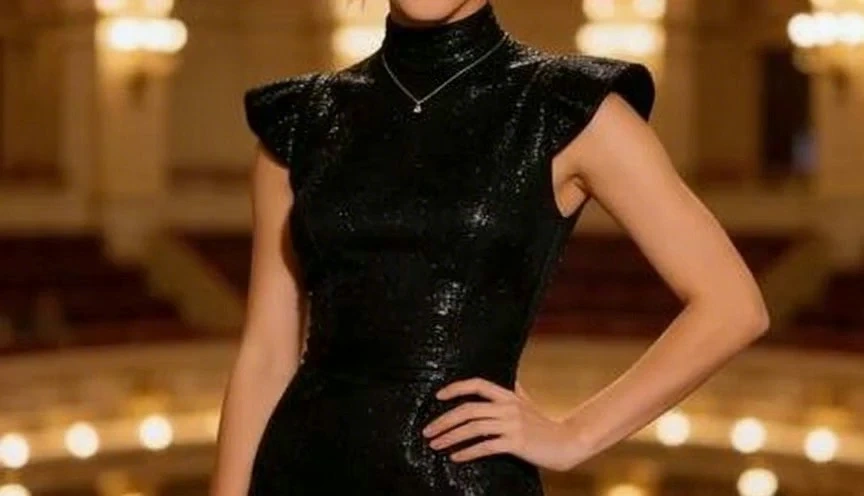
Deevision's uncensored image to video AI adds believable motion to still photos—not a stiff zoom on every frame. Upload product shots, portraits, or travel albums and create AI video from image online free with optional music, clean MP4 export, and aspect ratios ready for Reels, Shorts, or your website. An unlimited image to video AI built for anyone who has pictures for video but not a film crew.
What is Deevision's Unfiltered Image to Video?
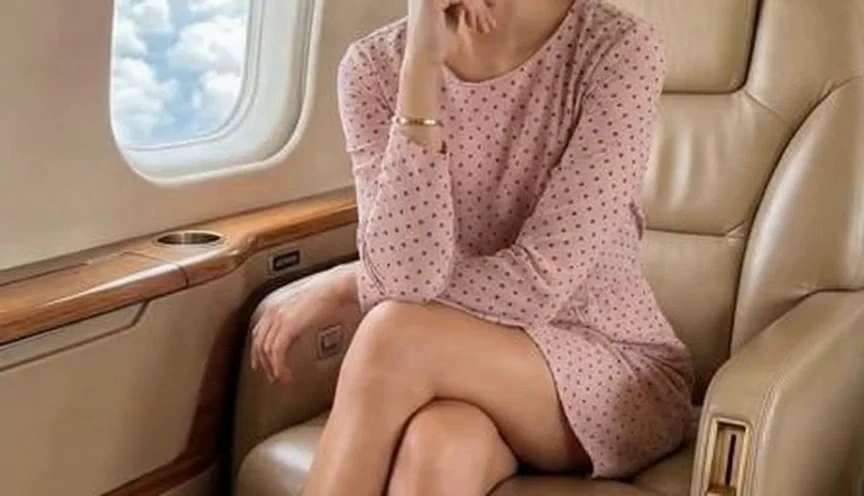
Deevision's image to video is a browser-based motion studio that breathes life into still frames you already have. Upload a JPG, PNG, or WebP and the engine reads depth, subject, and composition before it animates—so an unrestricted image to video animation AI output feels directed, not like a generic slideshow shuffle. Use it to AI generate video from image for product pages, turn a portrait into a short intro, or batch several shots when you need pictures to video for a recap reel. Whether you want an uncensored picture to video AI for social posting, a photo to video converter for client previews, or the best image to video AI free tier to test ideas before a shoot, Deevision exports MP4 you can share the same day—no timeline software required.
How Does Deevision's Unrestricted Image to Video Work?
Step 1: Upload your photo or album
Drop a single hero still or select multiple images for a sequence. Deevision accepts common formats through its unlimited image to video free online uploader—JPG, PNG, and WebP included.
Step 2: Set motion, music and format
Choose pacing, camera feel, and aspect ratio; add a music bed if you want a video with photos and music. The uncensored AI image to video engine maps motion to each frame instead of applying one template to every pic.
Step 3: Preview and download MP4
Watch the draft, adjust timing or swap a photo, then export MP4 for posting or embedding. Eligible plans include clean downloads when you need a free AI video generator without watermark for client handoff.
What You Can Do with Deevision's Image to Video?
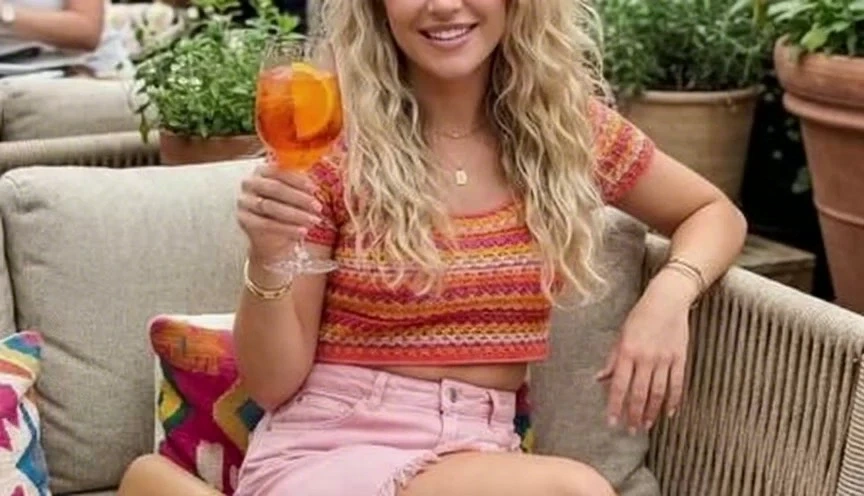
Uncensored AI photo to video for product and catalog motion
E-commerce teams sit on hundreds of packshots but lack motion for every SKU. Upload a hero product photo and create AI video from image online free to show texture, spin, and context without booking a studio. Deevision's photo to video AI reads the subject first, then applies motion that highlights the item—not a random pan across empty background. Export 9:16 for paid social or 1:1 for marketplace listings, and iterate hooks before you commit to a full shoot. One still, multiple ad cuts, live before the campaign deadline.
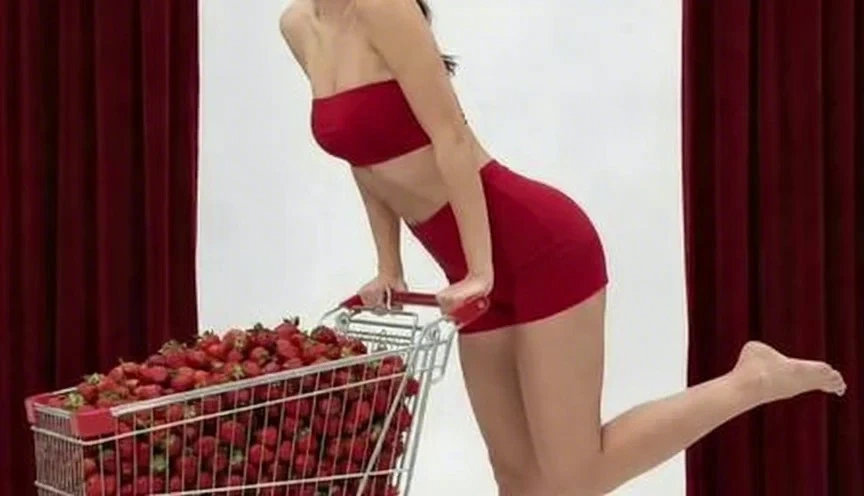
Make a video out of photos for travel and family memories
Camera rolls hold trips and milestones that never leave the gallery. Select ten favorites and make video from photos with gentle transitions and pacing that follows the day—not a blinding flash on every image. Deevision helps when you are creating an unrestricted video from photos for a birthday, anniversary, or reunion invite: turning photos into video takes minutes, not a weekend in desktop editing software. Share a link at the party or download MP4 to send in a group chat; grandparents watch without installing anything.
Make an unfiltered video with pictures and music for events and tributes
Slideshows feel flat when the song carries the emotion but the visuals stay static. Upload portraits and landscape stills, pick a track, and make a video with pictures and music where cuts land on beats instead of arbitrary timers. Deevision supports make video from images with music for weddings, graduations, and team send-offs—creating a video with pictures and music that people finish watching. Adjust duration, swap one photo, re-export MP4, and post to Instagram or play on a venue screen the same evening.
Convert JPG, WebP and PNG to MP4 online
Designers and developers often need a quick jpg to video or webp to mp4 export without opening a full NLE. Deevision works as an image to video converter online: upload a still, set length and motion, download MP4. Need pic to mp4 for a hero banner, images to mp4 for a product demo loop, or photo to mp4 for email embeds? The image to video AI generator handles single files or short sequences in the browser. Unlimited image to video online tests cost nothing; paid exports stay sharp when you ship to production.
Who is Deevision's Image to Video for?
E-commerce & Brand Teams
Refresh product pages and paid ads with motion built from existing packshots. Use AI video from photo workflows to test angles and hooks before you scale spend on new photography.
Families, Travelers & Memory Keepers
Turn camera-roll moments into shareable clips for birthdays, trips, and reunions. Make a video out of pictures without learning timeline editing—upload, preview, send.

Creators, Agents & Small Businesses
Real estate listings, salon portfolios, and restaurant menus all start as stills. Unrestricted animate image to video AI outputs give social feeds movement while you stay focused on clients, not codecs.
Why Choose Deevision's Image to Video?
Motion that reads the photo, not a template
Cheap slideshow tools apply the same zoom to every file. Deevision's image to animation AI studies subject and depth first, so AI video generator from image results respect faces, products, and horizons. You get unfiltered animate image to video AI output that looks considered—especially on portraits and packshots where bad motion is obvious.
Free to start, fully online, major formats in
Open the unrestricted image to video AI free online studio in any modern browser—no install, no plug-ins. JPG, PNG, and WebP upload natively; export MP4 when you are ready. As a free AI image to video option, Deevision lets you validate motion style before you spend credits on longer sequences or team seats.
Music-ready clips you can post today
Pair stills with a soundtrack when the moment calls for it, then export ratios for Reels, Shorts, TikTok, or embedded heroes. Unlike static carousel posts, a picture for video with motion and optional music holds attention longer—whether you are a video AI maker free user testing one clip or a team shipping dozens of SKUs.